
Home › Brain trainers › Memory Grid
Memory Gridspatial memory game
Memorize the positions of the shapes on the grid. Once they disappear, drag and drop them back to their correct places using your finger or mouse. Trains spatial memory.
Play now →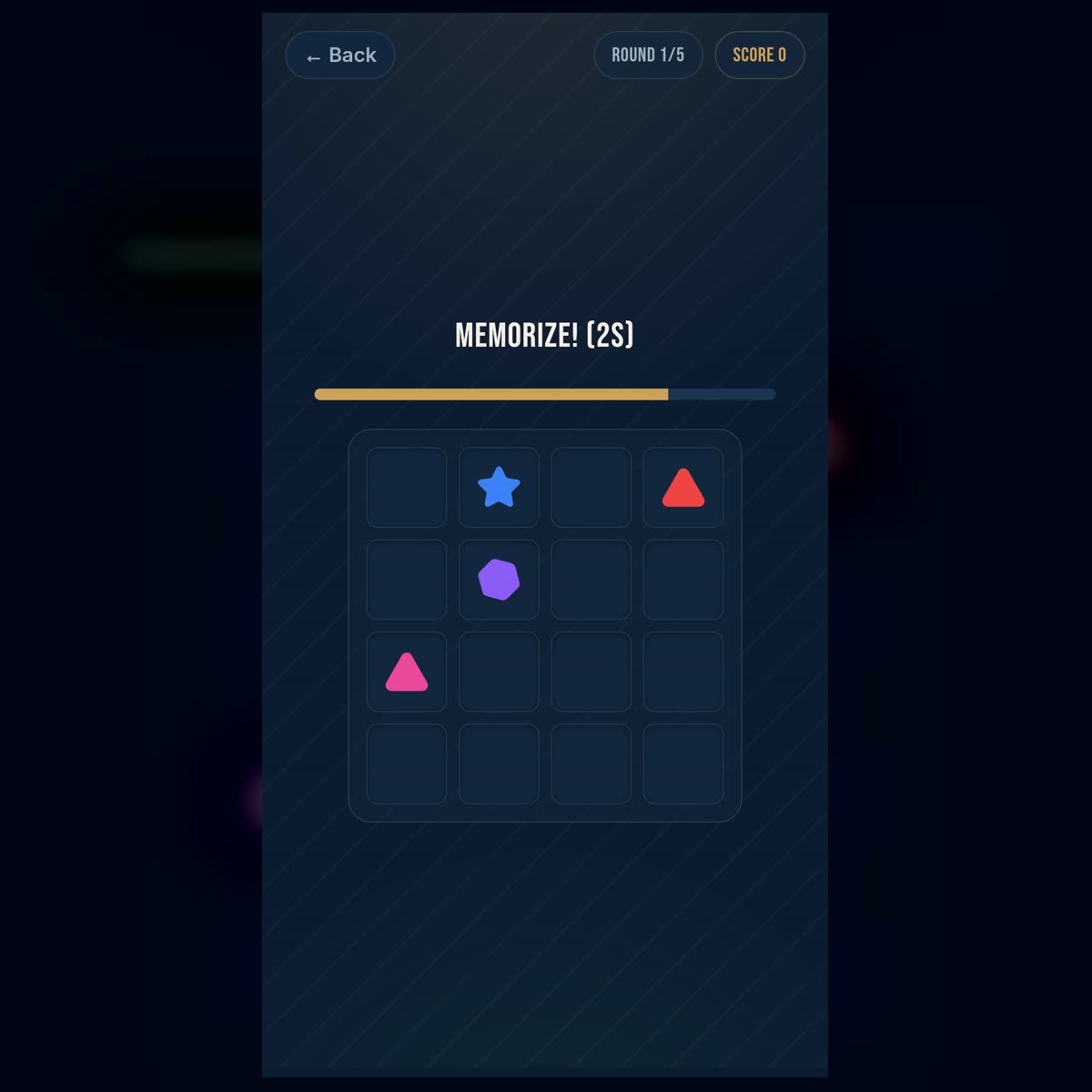
In the "Memory Grid" trainer, a field divided into cells appears on the screen. Various shapes are located in some of the cells. First, you need to carefully look at the composition and remember which object stands in each place. Then the shapes disappear from the field, and the player must drag them back into the correct cells.
The main difficulty lies in the fact that it is not enough to just remember the set of objects. Even if you clearly remember seeing a circle, triangle, star, and square, this is not enough for the correct answer. You need to maintain the connection between two types of information: what exactly was shown and where exactly it was located.
Because of this, the "Memory Grid" differs from exercises where you only need to find a previously seen object. Here, it is necessary to restore the spatial structure of the entire scene. Each shape is part of a peculiar map, and an error of even a single cell changes the initial composition.
What the "Memory Grid" Develops
The trainer primarily loads visuospatial working memory. It helps temporarily hold information about the appearance of objects, their position, and their mutual arrangement. A similar process is used when we try to remember the location of a car in a parking lot, the arrangement of objects on a table, a route on a map, or the position of pieces in a board game.
In cognitive psychology, a distinction is made between memory for the properties of an object and memory for its location. However, in a real task, this information must work together. You need not just remember a "red triangle" and separately the "top-left cell," but correctly associate the red triangle with that specific position. Studies of visual working memory show that people can retain holistic object representations, but as the number of elements increases, the exact preservation of their features and locations becomes more difficult.
The exercise also trains selective attention. During a brief display of the field, you need to decide what to look at first, without spending all your time on one bright shape. If attention lingers on a separate object for too long, other positions may remain almost unencoded in memory.
During field restoration, spatial planning also works. The player compares the internal image of the grid with empty cells, selects the desired shape, and moves it to the appropriate place. Each correct placement partially simplifies the task, as the number of unknown positions decreases.
The trainer has some similarity to well-known visuospatial memory tasks, in particular the Corsi block-tapping test. In the classic version, the experimenter touches blocks in a certain sequence, and the participant must reproduce it. This format is widely used to study visuospatial working memory, and digital versions have since been created. However, the "Memory Grid" is not the Corsi test: what matters here is not the sequence of presses, but the correspondence of various objects to specific positions.
Why We Confuse Correct Shapes
A typical error in this trainer occurs when a person remembers all the objects correctly but swaps two of them. For example, they remember that the circle and square were in the top row, but are not sure which one was on the left.
Such errors can be called binding errors. Information about shape has been preserved, information about position has also been partially preserved, but the exact correspondence between them has been lost. The more similar shapes are shown simultaneously, the easier it is to mix up their places.
Overconfidence in the general impression can also interfere. A person feels that they remember the field well, so they start restoring it without systematic checking. However, memory often preserves the general structure better than exact details. We may remember that most of the shapes were on the left, but make a mistake in specific cells.
Another cause of errors is the attempt to verbalize all positions in words. For a simple field, the phrase "star top right, circle in the center" can help. But when there are many shapes, long verbal descriptions overload memory. In such cases, it is more effective to create a compact visual image or combine elements into small groups.
How to Remember the Grid More Effectively
It is best not to view each shape as a completely independent element. Divide the field into parts: top and bottom, left and right halves, corners and center. Then, instead of a chaotic set of positions, you will get several smaller zones.
For example, first remember the top row, then the central part, and after that the bottom cells. Another option is to move your gaze along a fixed trajectory: from left to right, row by row. The main thing is that the viewing order does not change randomly from one attempt to another.
It is useful to look for groups and simple shapes that form objects. Three elements can form a corner, a diagonal, or a small triangle. Such a configuration is easier to remember as a single pattern than as three separate coordinates. Grouping information into larger meaningful units is called chunking. Studies of visuospatial memorization strategies consider grouping targets into compact structures as a way to organize material and reduce the load on working memory.
Pay special attention to the corners, edges, and center. Such positions have natural landmarks, making them easier to code. The phrase "square in the top-left corner" is easier to remember than "square in the second cell of the third row." After fixing the reference objects, you can remember other shapes relative to them: below the square, to the right of the circle, or between two symbols.
If two shapes are next to each other, remember them as a pair. For example: "star to the left of the triangle." Relative location is often preserved better than two separate coordinates. However, it is important not to limit yourself only to the relationship between objects — at least one of them must be tied to a specific part of the field, otherwise the entire pair may mentally shift to adjacent cells.
How to Properly Restore the Field
It is not necessary to place the shapes in the order they were presented. Start with the positions you are most confident in. Usually, these are objects in the corners, on the edges, or in the center, as well as shapes that formed a noticeable group.
Such elements become reference points. After placing them, it is easier to restore adjacent positions. If you accurately remember that the circle was in the center and the star was directly above it, you no longer need to separately determine the coordinates of the star.
Doubtful shapes are best left for last. When most of the field is restored, you can use the method of elimination. If two shapes and two empty cells remain, try to remember at least one spatial relationship: which shape was closer to the edge, which one stood next to an already placed element, or which one completed a familiar pattern.
Before final confirmation, look at the field as a whole picture. Do the groups match? Are the diagonals and pairs preserved? Does any object look accidentally detached from the structure you remembered? The general image does not replace checking details, but it can help notice an obvious permutation.
Speed vs. Accuracy
At the beginning, it is more important to form a reliable strategy than to try to act as quickly as possible. If you hurry without a system, you can learn not to remember better, but only to make the same mistakes faster.
First, practice a consistent order of viewing the field. Then practice grouping and binding to corners. When these techniques become habitual, the memorization time will naturally decrease. Speed in this case will increase due to more efficient coding of information, rather than random guesses.
At the same time, you do not need to try to create a detailed verbal story for every shape. If there is little time, a complex mnemonic narrative can be slower than the task itself. The best strategy depends on the size of the field: short names can help for a few objects, while visual groups and spatial landmarks work better for a large composition.
Who Benefits from the "Memory Grid"
The trainer is suitable for people who want to practice visual memory, concentration, and remembering the location of objects. It does not require special knowledge, complex calculations, or a large vocabulary, so the main load falls precisely on observation and spatial coding.
The exercise can be useful as a short mental warm-up before work or study. It is also interesting to players who like chess, board games, cards, puzzles, and other tasks where it is important to keep track of the positions of many elements.
Regular practice helps better master specific strategies: quickly finding reference points, dividing the field into parts, noticing groups, and checking spatial relationships. However, the online trainer is not a clinical test and cannot independently assess memory status or detect impairments. The result depends on the level's difficulty, familiarity with the task, attentiveness, fatigue, screen size, and other conditions.
The most useful thing after a mistake is not just to move on to the next attempt, but to determine its type. Did you forget the shape itself, fail to remember the cell, or mix up two correct objects? Understanding the cause helps choose the appropriate strategy. If positions are lost, use corners and zones. If similar shapes are confused, record their differences more carefully. If the field is remembered in fragments, switch to sequential viewing and grouping.
The goal of the "Memory Grid" is not to mechanically hold as many separate cells as possible. It is much more important to learn to turn a disparate set of shapes into a clear spatial structure. When the field ceases to be a chaotic table and turns into a system of zones, pairs, lines, and reference points, remembering and restoring it becomes much easier.